Same machine
Every session starts from the same operating system, browser, installed fonts, language, screen resolution and configuration.

Browse the web from a disposable remote computer. Every user has the same measurable browser fingerprint.
Nothing is installed or runs on your device. Use it directly in your browser.
Install CrowdMe as an app to remove the browser bars and give the remote computer more screen space.
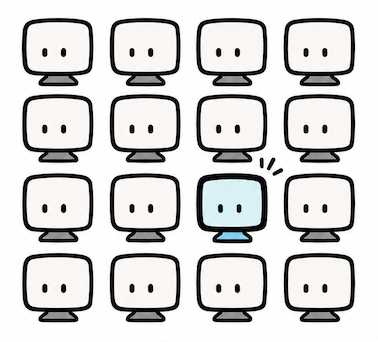
You are not hiding in the crowd. You are the crowd.
Every session starts from the same operating system, browser, installed fonts, language, screen resolution and configuration.
A session lasts for up to 90 minutes. During that hour, you can start a fresh copy as many times as you want.
When a computer is destroyed, its cookies, history, cache, files and browsing activity disappear with it.
Search without leaving cookies, history or other browser data on your computer.
But online tracking goes far beyond cookies. Read how websites can recognize you.
Websites and downloaded content run inside the remote disposable computer, not in yours.
When you are finished, it is all gone.
More than 40 exit countries using Tor or a proxy. Tor provides a multi-hop anonymity network, while a proxy provides a more direct connection. Choose based on your threat model.
Don't just take our word for it. Test the browser fingerprint yourself and compare different CrowdMe sessions.
Follow these simple steps to start using CrowdMe.One.
Pay by credit card or other payment methods supported by Stripe.
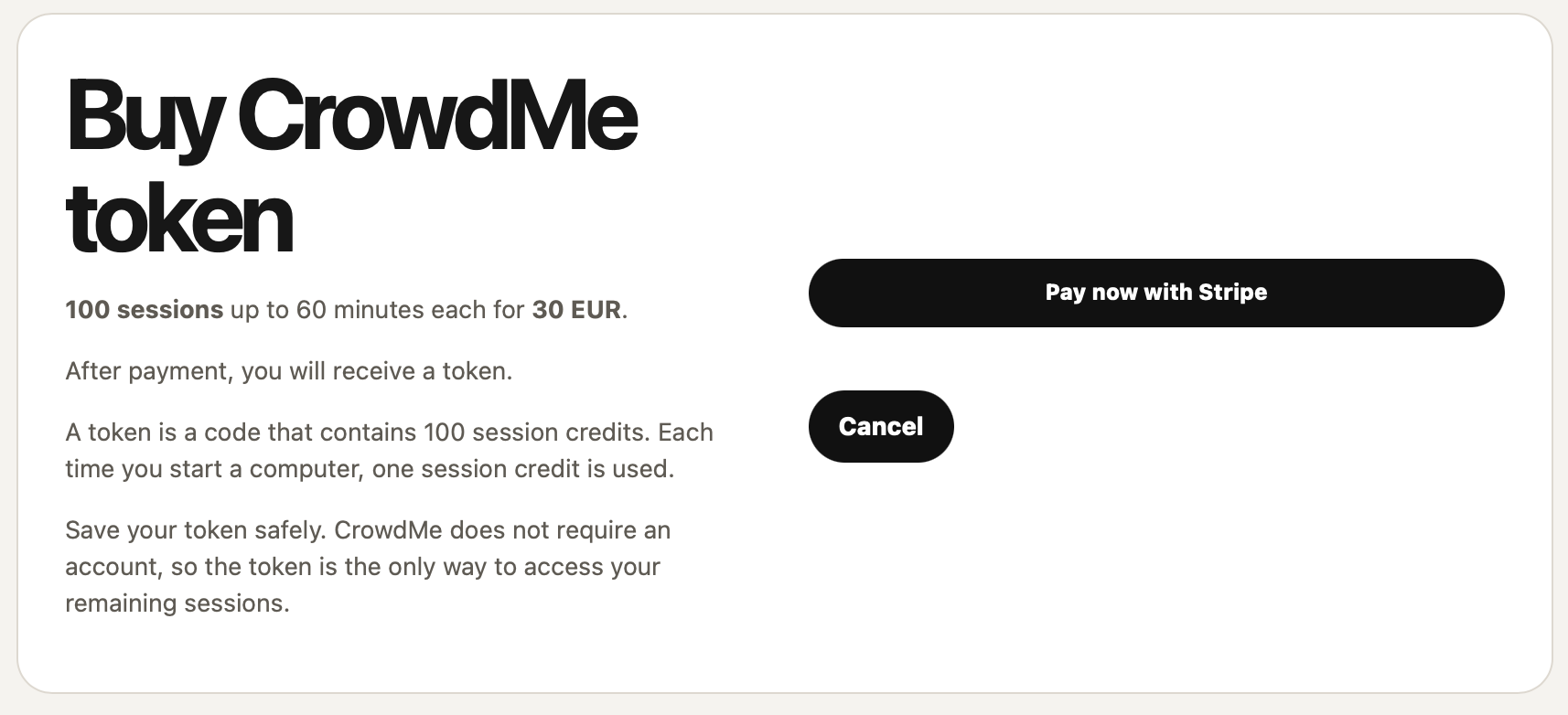
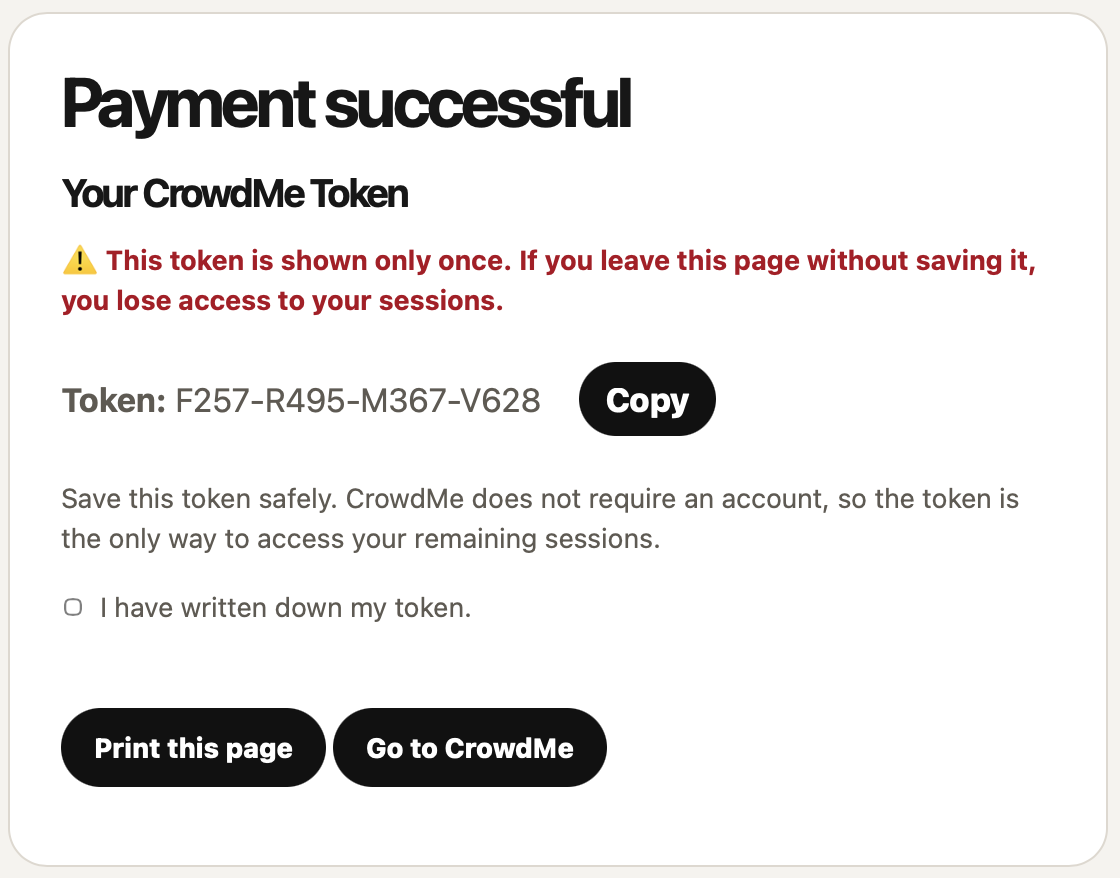
After payment, your token is shown only once. Save it in a safe place.
The same token can be used for up to 100 sessions, so keep it safe.
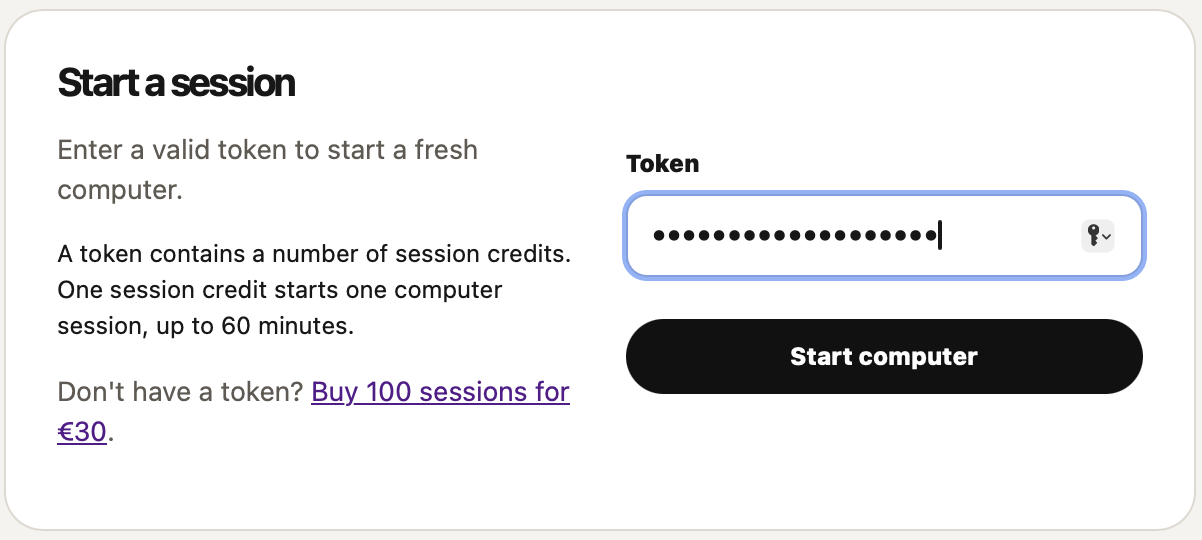
Enter your token on the start page to create a fresh computer.
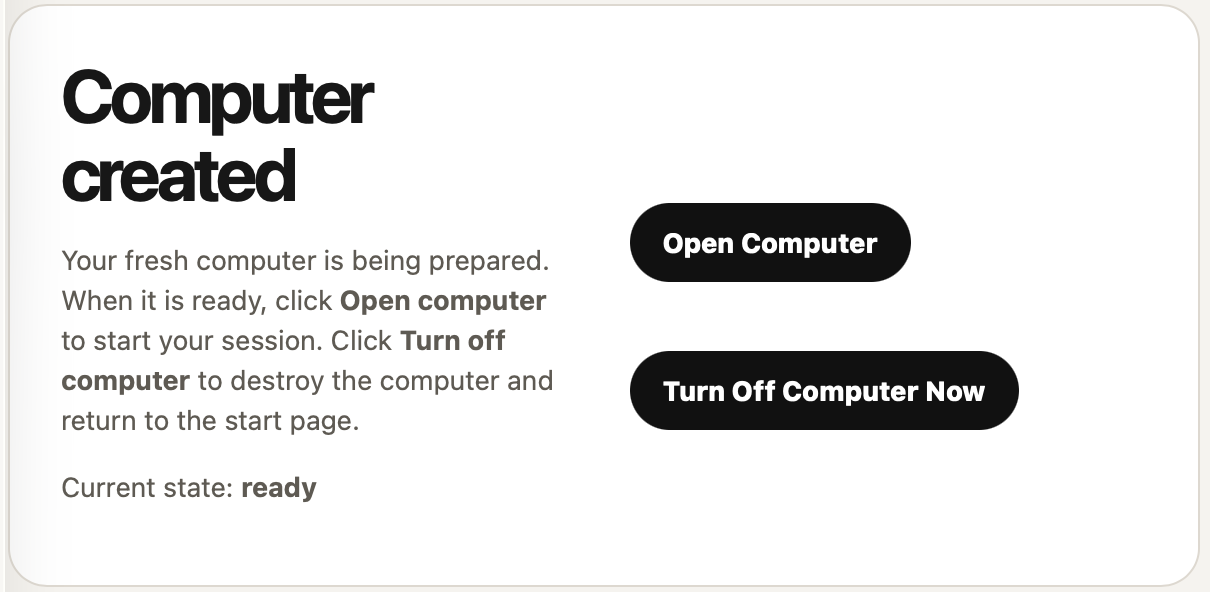
Your computer is prepared. When it is ready, click Open Computer to start your session.
Click Turn Off Computer to destroy the computer and return to the start page.
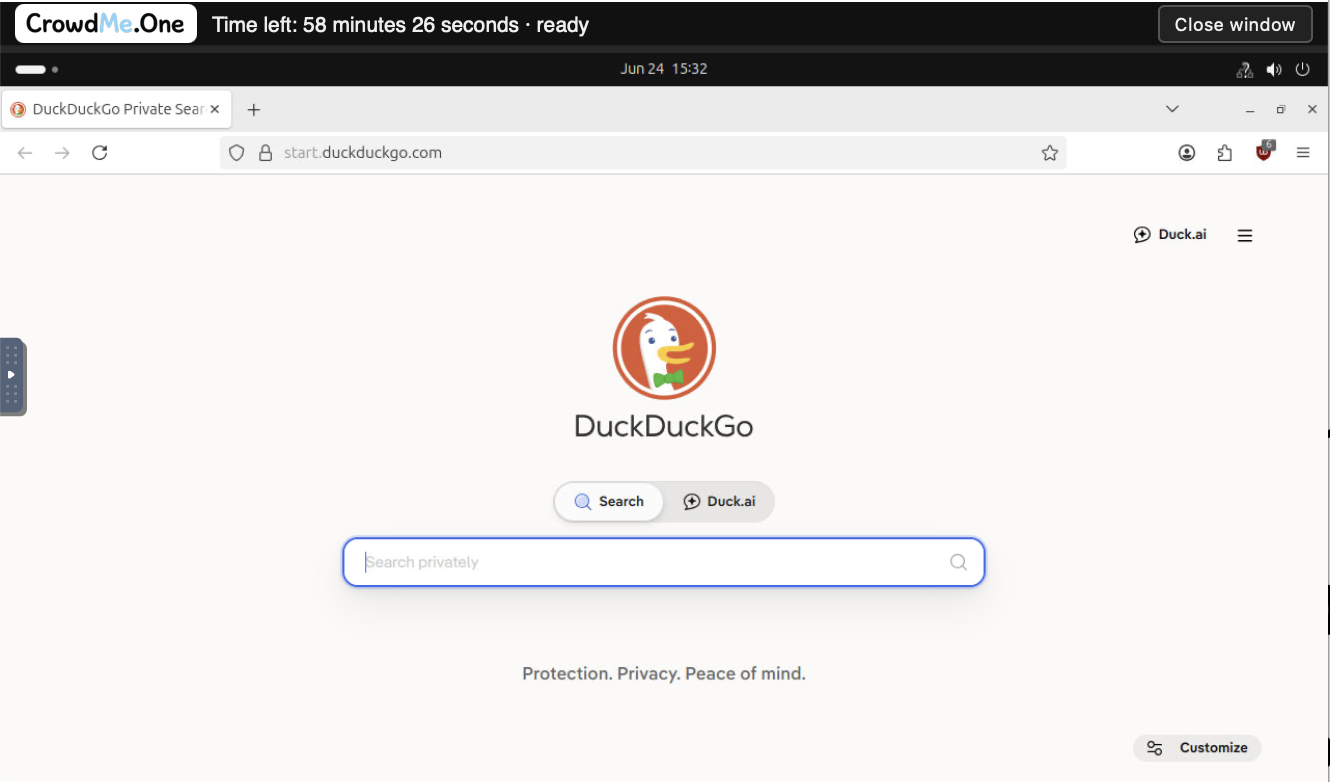
You are now inside your disposable computer. Browse the web from a fresh temporary browser environment.
The toolbar at the top shows how much time is left in your session. Press Close Window to return to the status page.
A fresh session starts clean. But if you keep one session open for a long time and visit many websites, those websites can start building a new profile of that session.
For best privacy, use short sessions and start fresh when needed.
In places like airports, hotels or public Wi-Fi, CrowdMe.One keeps the browsing session away from your own computer. The remote computer handles the browsing; your device only displays the remote session.
This can reduce risk from hostile local networks, but it is not magic. You still need to avoid fake login pages, unsafe downloads and accounts that identify you.
CrowdMe.One is documented in detail. The security architecture explains how sessions are created, isolated and destroyed, what users can inspect, and where trust in the operator is still required.
No vague privacy claims. Just the technical design, strengths and limitations.
Enter a valid token to start a fresh computer.
A token contains a number of session credits. Each session credit starts a fresh computer for up to 90 minutes.
Don't have a token? Buy 100 sessions for €15.